ONE HOME. ONE SHARED KITCHEN.
Less chaos.
More dinner.
Know what’s in your fridge.
Make something good. Stay in sync.
FOR COUPLES, FAMILIES & FLATMATES
thinks with you.
It all starts with
what you already have.
01 KNOW WHAT’S AT HOME
A fresh look
inside your fridge.
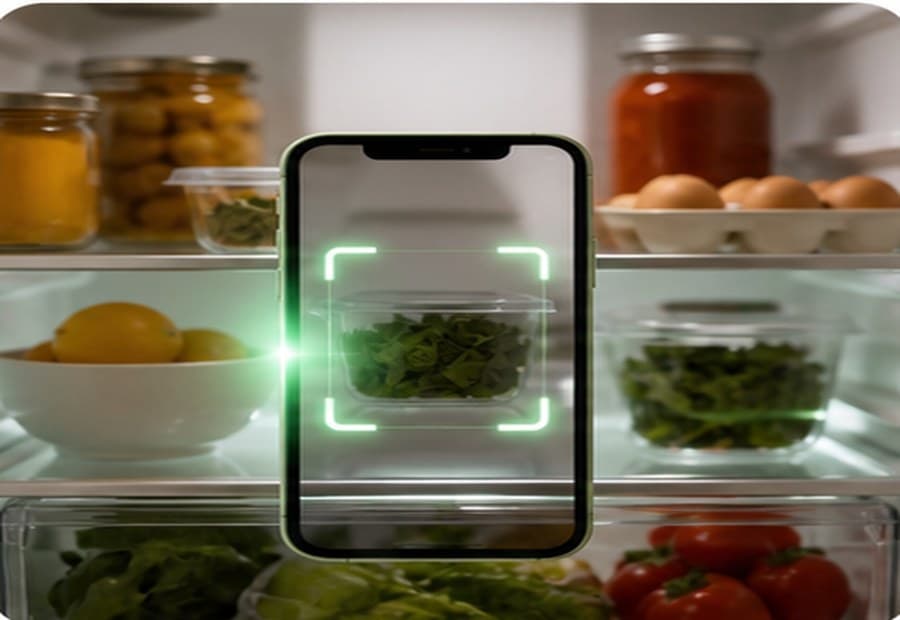
One photo connects your ingredients, meal ideas, and missing items. Review what Stowe finds. Let tonight take shape.
A little kitchen clarity
Look what you have.
Try changing a quantity. This example stays on this page.
Fridge, freezer & pantry · Use-soon reminders
02 SOMETHING GOOD FOR TONIGHT
From “what’s left?”
to “what’s cooking?”
Meet Meal Rescue. Dinner ideas built around what you have, what needs using, and what your household loves.
Less wondering. More cooking.
Tonight, sorted.
Lemon & spinach pasta
20 min 2 servings
A bright little dinner for a quiet evening.
- Spinach — available200 g
- Lemon — available1 whole
- Pasta — available200 g
- Parmesan — needed30 gNeed
Explore the meal ideas. Saves are illustrative.
Meal planning · Saved favourites · Cook-along guidance
03 ON THE SAME LIST
You’re at the shop.
They’re in the loop.
One shared list, updated together. Stealth Shopping Mode keeps the trip focused, while the important additions still get through.
One list. Everyone in the loop.
A little more in sync.
Try ticking an item or adding milk. Both demo views update.
Live household updates · Receipt scanning
BACK WHERE IT ALL BEGAN
Shop less.
Cook more.
Bin nothing.
One shared kitchen, always in sync.
Bring the people who share your fridge.
YOUR NEXT GOOD MEAL STARTS HERE.
A LOOK INSIDE
Real kitchen.
Real Stowe.
From the first fridge scan to the last item on the list. Take a little look around.
How do we share a kitchen?
Create an account and a household, then invite the people who share your fridge with your household code. You’ll have a shared place for lists, inventory, and meal planning.
How do I install Stowe?
Use Install Stowe to see the instructions for your device. On iPhone, open in Safari and use Share → Add to Home Screen. You can also use Stowe in a modern browser on your phone or desktop.
What happens to my fridge photos?
Stowe uses your photos to help recognise food items. You can review and correct the results before applying them. See our privacy policy for how photos and household data are handled. Read the privacy policy.
Does Stowe need the internet?
The installed app can open without a connection, but scanning, suggestions, real-time household updates, and live shopping need the internet.
Is it just a shopping list?
Stowe connects the whole food loop: what’s at home, what needs using, what to cook, what to buy, and what got used. The shared list is one part of a kitchen that works together.
A little less chaos.
A little more together.